Top up


TL;DR
A voice chat app carries live audio through an installed application. Some products center on direct calls, while others organize group conversations in rooms with hosts, listeners, speakers, and room controls. Choose by communication format, supported devices, permission choices, community rules, safety tools, and official download availability. Verify every claim on the current product page or store listing before installing.
A voice chat app lets people speak and listen over the internet from a phone or another supported device. The important choice is not the longest feature list. It is whether the app offers the conversation format, device support, privacy controls, community rules, and official download route that fit your intended use.
What a voice chat app does
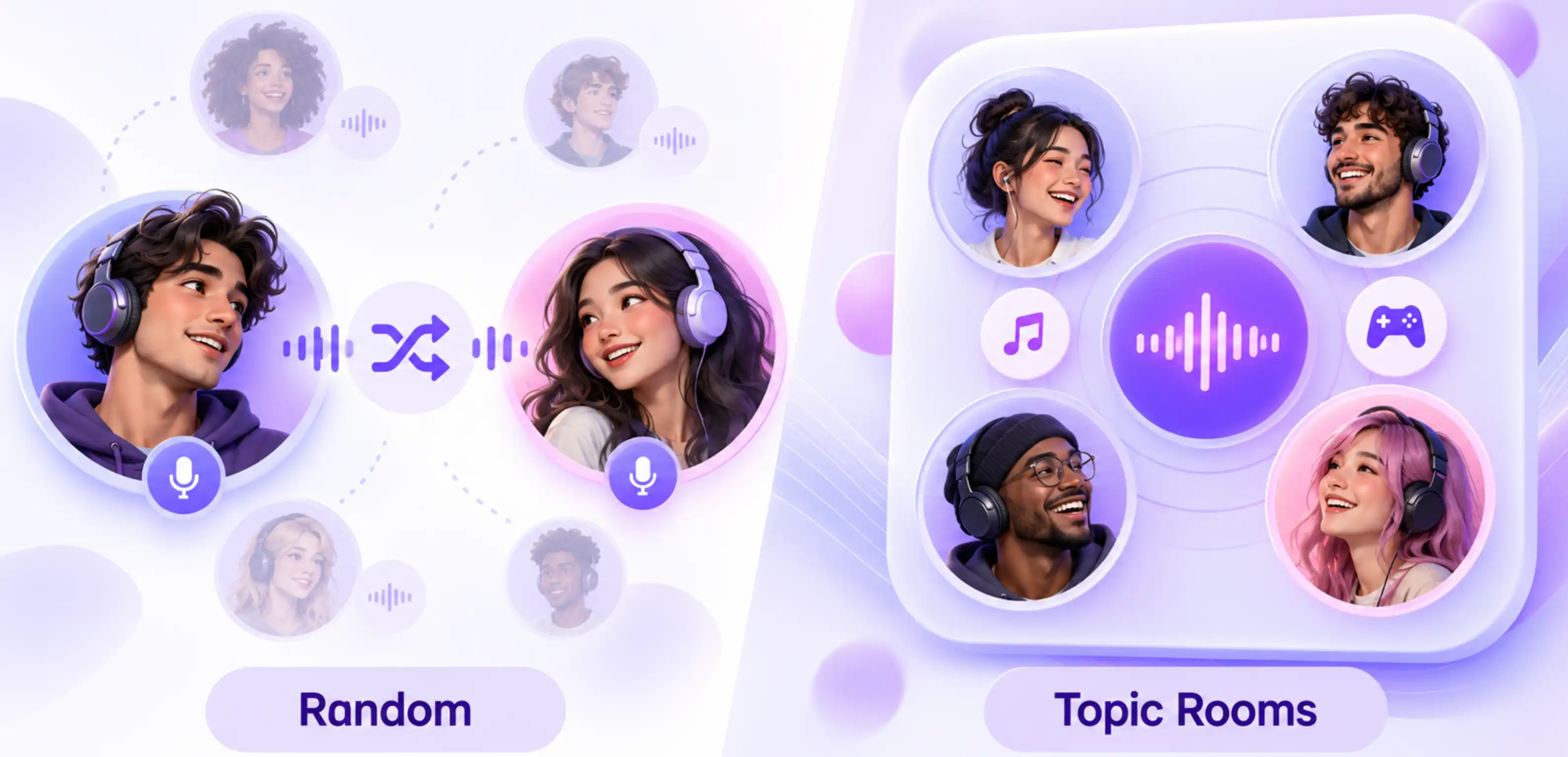
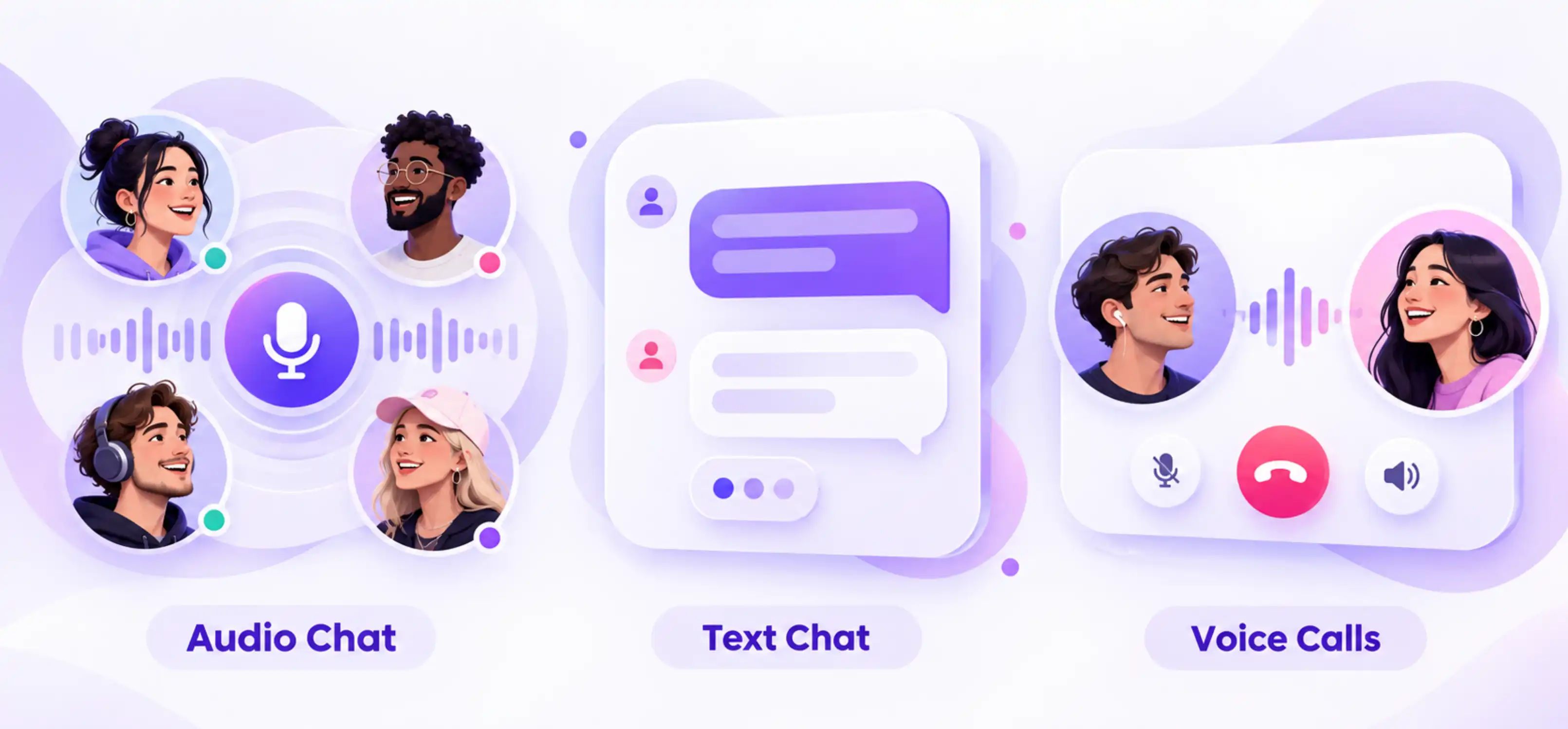
The category includes several different products. A calling app connects selected participants in a call. A group voice room app provides a shared destination where people can listen, take a speaker position, and follow a room topic. Gaming communication, meetings, and recorded voice messages solve other tasks. Search results often mix these formats, so the product description matters more than a broad label.
Xena describes itself as a group voice chat app. Its current official feature page lists voice rooms, speaker seats, microphone controls, room discovery, hosts, room hosting, online parties, PK, and Ludo. Those facts define the relevant product category. They do not make Xena a browser voice service, a direct random matching product, or a general business calling system.
Core features to check before choosing
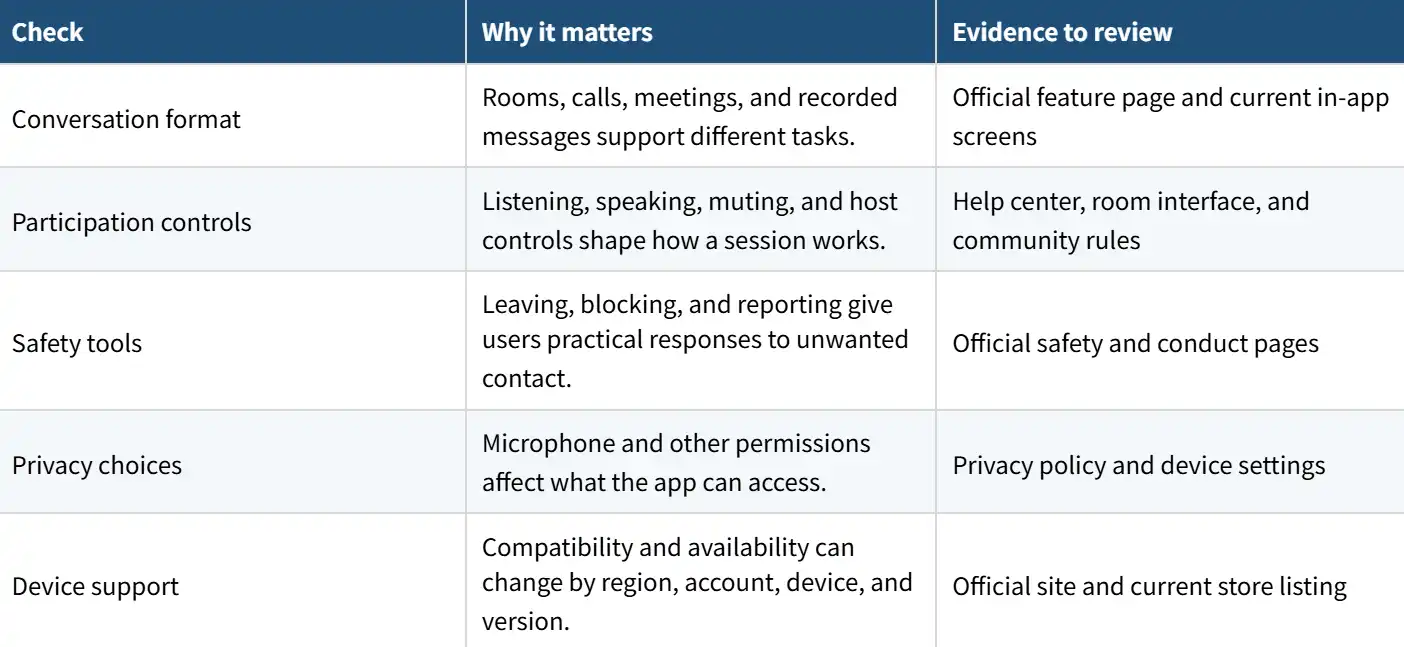
Treat audio quality, battery use, data use, room supply, and moderation performance as testable product questions. A marketing page cannot prove how a particular phone, network, region, or room will perform. Install from an official source, try a short session, review the controls, and keep only the permissions you need.
Device support and official downloads
Xena's current FAQ says the app supports compatible Android and iOS devices. It directs users to the Apple App Store or Google Play and also identifies an official Android APK on the Xena website. The Google Play listing was available during this review and identifies in-app purchases. Exact operating system requirements, regional availability, and account eligibility can change, so the live listing and on-screen requirements should guide installation.
1. Start from the product's official website or a current store listing.
2. Confirm the app name, developer details, content rating, update date, and privacy information.
3. Check compatibility on the device you will actually use.
4. Read the permission request when it appears instead of granting every option automatically.
5. Update the app and operating system when supported updates are available.

Voice room apps compared with calling apps
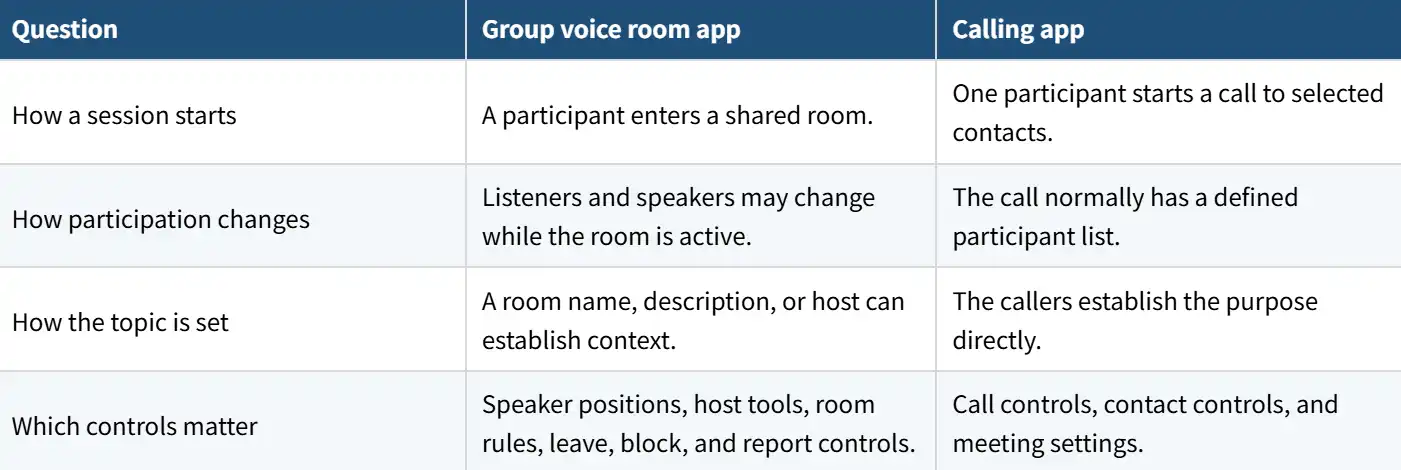
A text chat service, video room, recorded voice message tool, and browser-based calling page can overlap with live audio without being the same category. Choose the format first. Then compare products within that format. This avoids downloading an app that ranks for a broad phrase but cannot complete your actual task.
A practical selection checklist
· Write down whether you need a group room, a direct call, a meeting, or recorded audio.
· Confirm compatible devices and an official download route in your region.
· Check how listening, speaking, muting, hosting, leaving, blocking, and reporting work.
· Read the privacy policy and review microphone, camera, notification, and location requests.
· Compare free access and optional purchases without assuming every feature is included.
· Test the app on your normal network and device before relying on it for an event.
Frequently Asked Questions
Is a voice chat app the same as a calling app?
No. A calling app usually connects selected participants in a call. A group voice room app provides a shared room where listeners, speakers, and hosts can change during a session.
Does a voice chat app have to include text or video?
No. Those are separate capabilities. Check the official feature page instead of assuming that every voice product also includes text messaging, video, or recorded voice messages.
Can I use Xena in a web browser?
The current Xena pages reviewed for this article describe mobile app access through iOS, Android, and an official Android APK. They do not establish a browser-based voice product.
What permissions does a voice chat app need?
Microphone access is needed when you speak. Other permissions depend on the feature you choose. Review each request and change access later in iOS or Android settings when appropriate.
What should I verify before installing?
Confirm the official source, developer details, device compatibility, current version, privacy information, content rating, and any in-app purchases shown by the current listing.