Top up


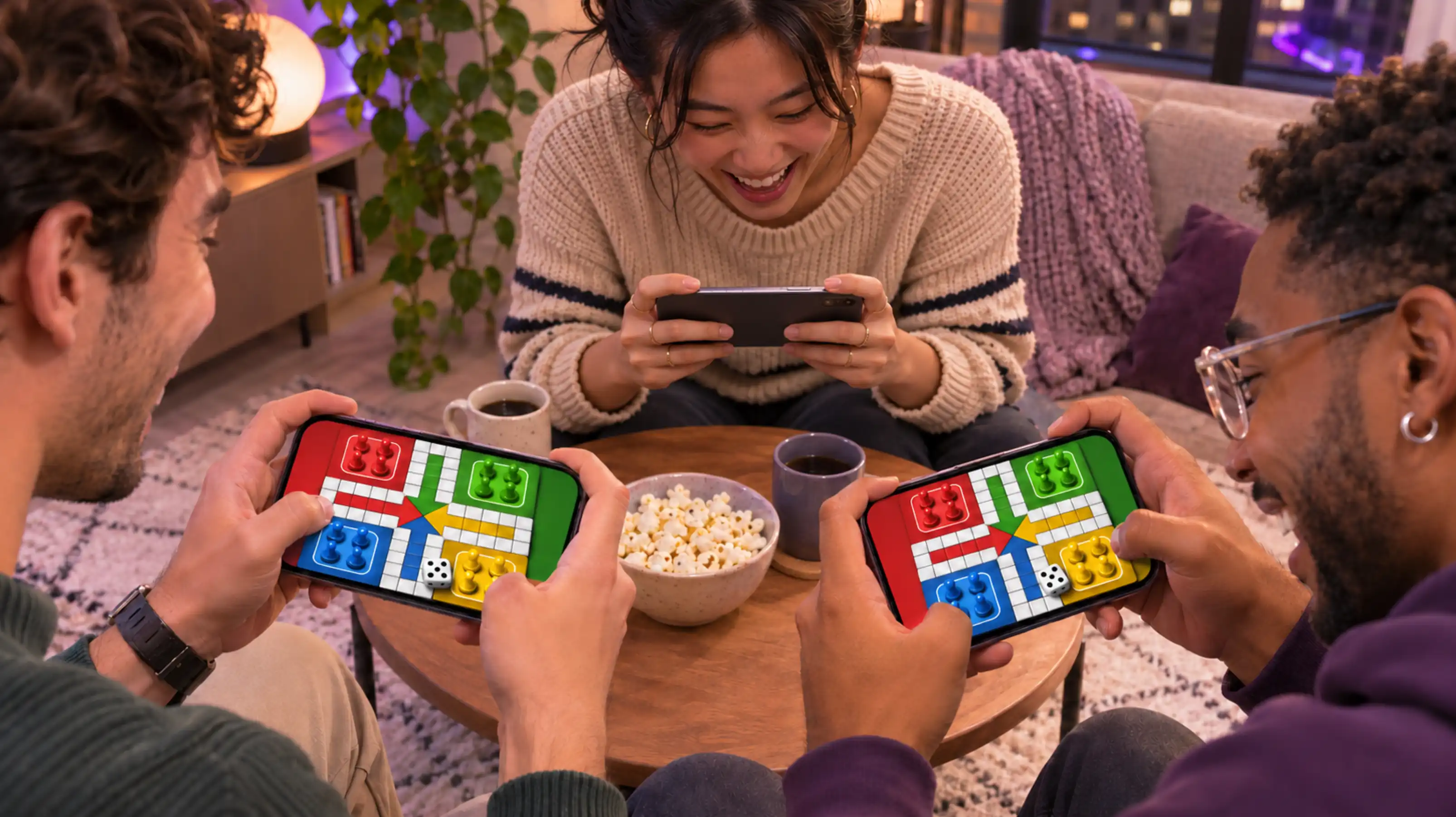
TL;DR: Try Plato’s Ocho for a quick card game, Stumble Guys for a party, Brawl Stars for a group of three, or Among Us when at least four people can join. For a longer session, build together in Minecraft or explore in Sky. If your group is already chatting in a Xena voice room, play a round of Ludo there.
The best games to play with friends on your phone fit the group you have tonight. Three people with 15 minutes can jump into a team match. Six friends with an evening free can spend it accusing each other in Among Us. And if one person is on iPhone and another is on Android, a shared game and a clear invite are worth sorting out before everyone shows up.
The picks below are available on iPhone and Android. Each entry explains how friends can get into the same session and what kind of hangout it suits.
Quick mobile games to play with friends
1. Ludo in Xena — best when the group already wants to chat
Ludo gives friends something to do while they catch up. You roll, move your pieces around the board, and talk between turns. It works well as the opening activity for an online hangout, especially if people are arriving at different times.
How to join: Agree on a Xena voice room and have everyone enter it first. Open Ludo from the room’s game controls when available and check that the players are in before starting. Friends who want to listen can join the room while the others play. See the Xena Ludo guide for the room and microphone setup.

2. Ocho on Plato — best for a quick card game
Ocho is a color-and-number matching game. The basic idea is easy to explain in a group message, and action cards can swing a round just when someone thinks they’re about to win. It’s a good choice when your friends want a game they can learn by playing.
How to join: Get everyone on Plato, then start an Ocho game with friends from the app. Use the same rules for the first round so everybody can get the hang of it before experimenting.
3. UNO! Mobile — best for four friends who love house rules
UNO! Mobile suits the group that always debates how the physical card game should be played. Room Mode supports four players and house rules. If only one friend is free, the two of you can also team up in 2v2.
How to join: For a group of four, open Room Mode and send the invite from the game. Agree on the rules before the first round. For 2v2, invite your friend as your partner.
Phone games for an online party
4. Stumble Guys — best for fast, chaotic party rounds
Obstacle courses turn missed jumps and mistimed turns into the funniest part of the session. The objective is easy to follow, so this works for a group where some people play mobile games every day and others rarely pick one up.
How to join: One person opens the Party menu and shares the room code. Choose a normal party to play through matchmaking together or a Custom Party to set the rounds and rules. Have everyone join before starting.
5. Among Us — best for four to fifteen friends
Among Us gives the group something to argue about in a fun way. Crewmates try to finish tasks while the Impostors bluff their way through discussions. It’s a good choice when the conversation is as much of the draw as the game.
How to join: Have one friend host a private online lobby and share its code. If you use a separate group call, agree to mute during active play and unmute for meetings. That gives everyone a chance to work out what happened from the clues.
6. Roblox — best for a group that likes to switch games
Roblox suits friends who might start with an obstacle course and switch to a cooperative challenge later. Pick the first experience before the hangout so the group can spend the first few minutes playing instead of browsing.
How to join: Have one person enter the experience first. Friends can then choose Join Experience from that player’s profile if the player’s join settings and the experience’s permissions allow it. Check that the experience has space for your whole group.
Mobile games for teaming up or playing at your own pace
7. Brawl Stars — best for a group of three
Brawl Stars is a good fit for three friends who want a few quick matches. Start with a 3v3 mode and agree on a simple plan before queuing, such as who’s going after the objective and who’s covering the other lanes. The game also has Quick Chat for short messages.
How to join: Create a team from the main screen and share a Team Code or link. Once everyone appears in the team, the host can select the event.
8. Minecraft — best for a shared project that lasts more than one night
Start a farm, build a base, or give each friend a room to design. Minecraft works for groups with different play styles because one person can build while someone else gathers materials. A shared world also gives the next hangout a ready-made starting point.
How to join: Use the mobile Bedrock version and sign in with Microsoft accounts. For a shared world that friends can enter when the owner is offline, the host can set up a paid Realm and invite the group.
9. Sky: Children of the Light — best for a relaxed hangout
Pick Sky when friends want to explore somewhere together and catch up at their own pace. Decide on a meeting point or an area to explore so everybody has somewhere to go once they open the game.
How to join: Open Settings → Friends → One-time Friend Invite and send the code or QR to your friend. Once they accept, you can find them through your in-game friends list. Set up the invites in advance if several people are new.

How to get everyone into the same game
- Pick for the group size. Choose Brawl Stars for a trio, UNO! Room Mode for four, or Among Us for a bigger group. Have a backup if someone drops out.
- Send one clear invite. Put the game name, the start time, and the room code or join instructions in a single message.
- Decide how you’ll talk. For a Xena Ludo session, meet in the voice room first. For another game, use its supported chat or test your group call while the game is open. Here’s how to join a voice room if it’s your first time.
- Start with one round. A short first round gives everyone time to learn the controls and leaves room to switch if the group wants something different.
FAQ
Can iPhone and Android users play phone games together?
Yes. Start with a game available on both platforms, update to compatible versions, and use the same room code or friend invite. Check the mode’s group size and any account requirements before sending the invite.
What can two friends play on their phones?
Try a head-to-head card game in Plato, explore together in Sky, or team up in UNO! Mobile’s 2v2 mode. Choose based on whether you want a few quick rounds or time to talk while you play.
What’s a good phone game for a large group of friends?
Among Us supports four to fifteen players, making it a practical pick for a larger group that enjoys deduction. Stumble Guys is another option if your friends prefer short, fast rounds.
What can we play while talking in a voice room?
A turn-based game gives everyone time to talk between moves. For a simple first session, download Xena, meet in the same voice room, and start with a round of Ludo.