Top up

TL;DR
Anonymous voice chat can help you keep your real name separate from a conversation, but it does not make you unidentifiable. Your voice, background sounds, profile, and personal stories can still reveal clues. Platforms may also process account and technical data. On Xena, privacy settings control specific aspects of visibility, with some requiring particular VIP levels. Check what each setting covers before relying on it.
You join a voice room using a nickname and keep your camera off. Nobody has asked for your real name, so the conversation feels anonymous.
But then you mention your workplace, someone calls your name in the background, or another participant recognizes the username you use on Instagram.
Anonymous voice chat has several privacy boundaries. Understanding them helps you enjoy a conversation while deciding how much of your identity to share.
What Does Anonymous Voice Chat Actually Mean?
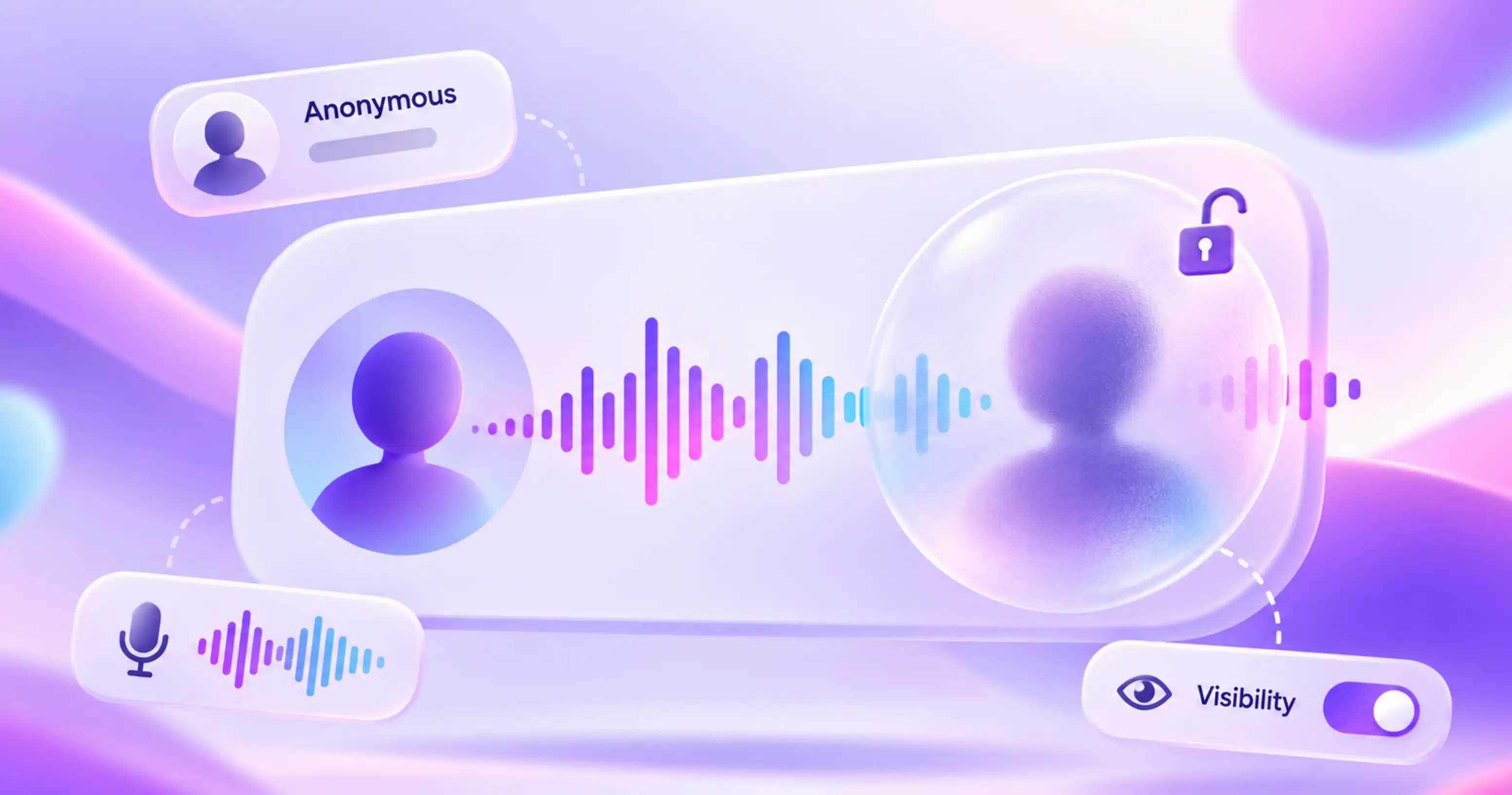
Anonymous voice chat generally means talking without openly displaying your real identity to other participants. Depending on the service, you might use a temporary guest identity, a nickname, or an account with limited public information.
A nickname-based account is often better described as pseudonymous: your activity is connected to a consistent identity, even if that identity does not show your legal name.
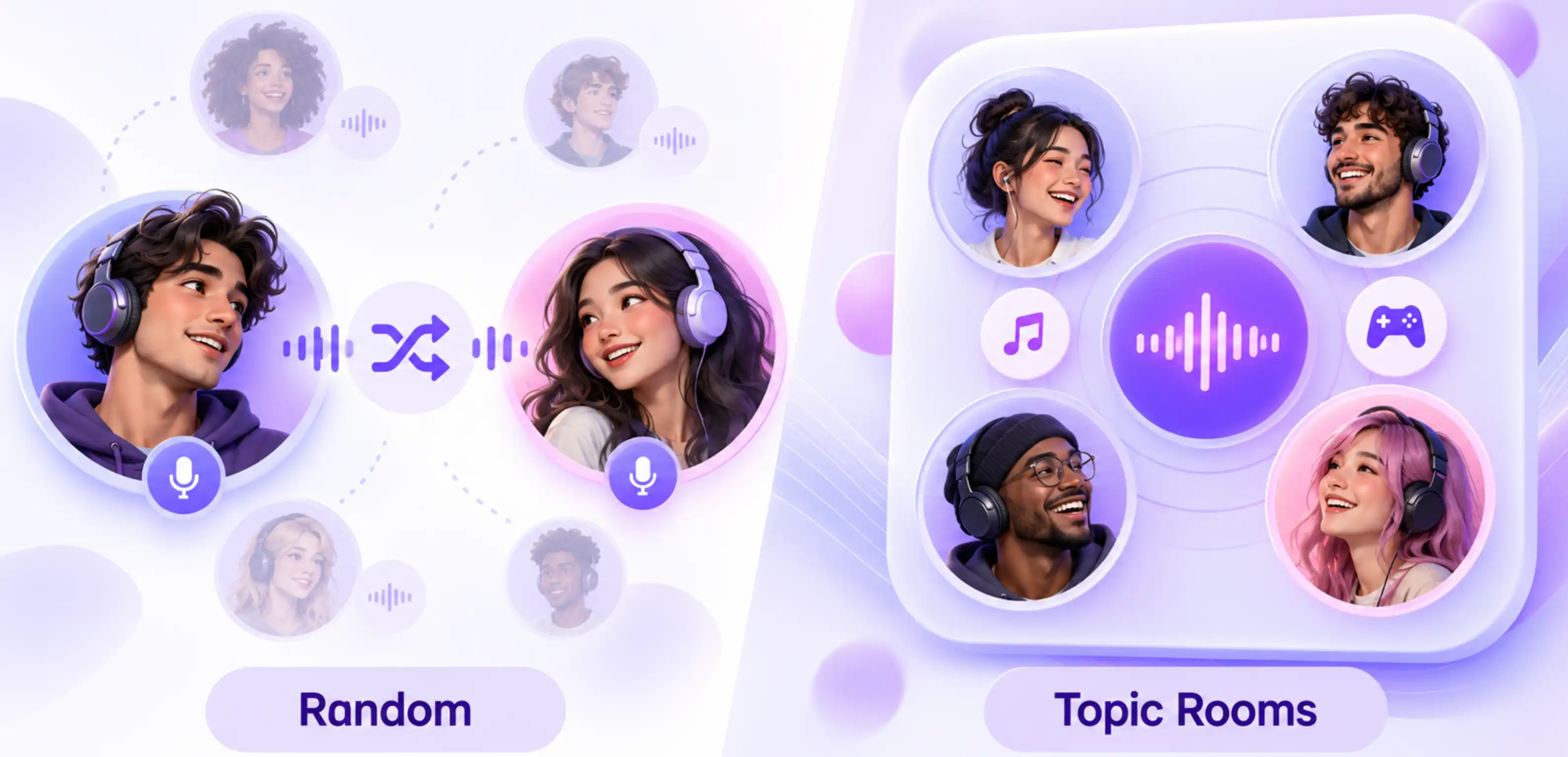
Neither random matching nor a group voice room automatically guarantees anonymity. These describe how a conversation is organized, rather than what information is visible or collected.
The most useful question is: anonymous to whom?
You might keep your name private from other participants while the platform still holds information associated with your account. eSafety describes this kind of identity shielding as partial anonymity.
Anonymous to Other Users vs. Anonymous to the Platform
What other participants can see
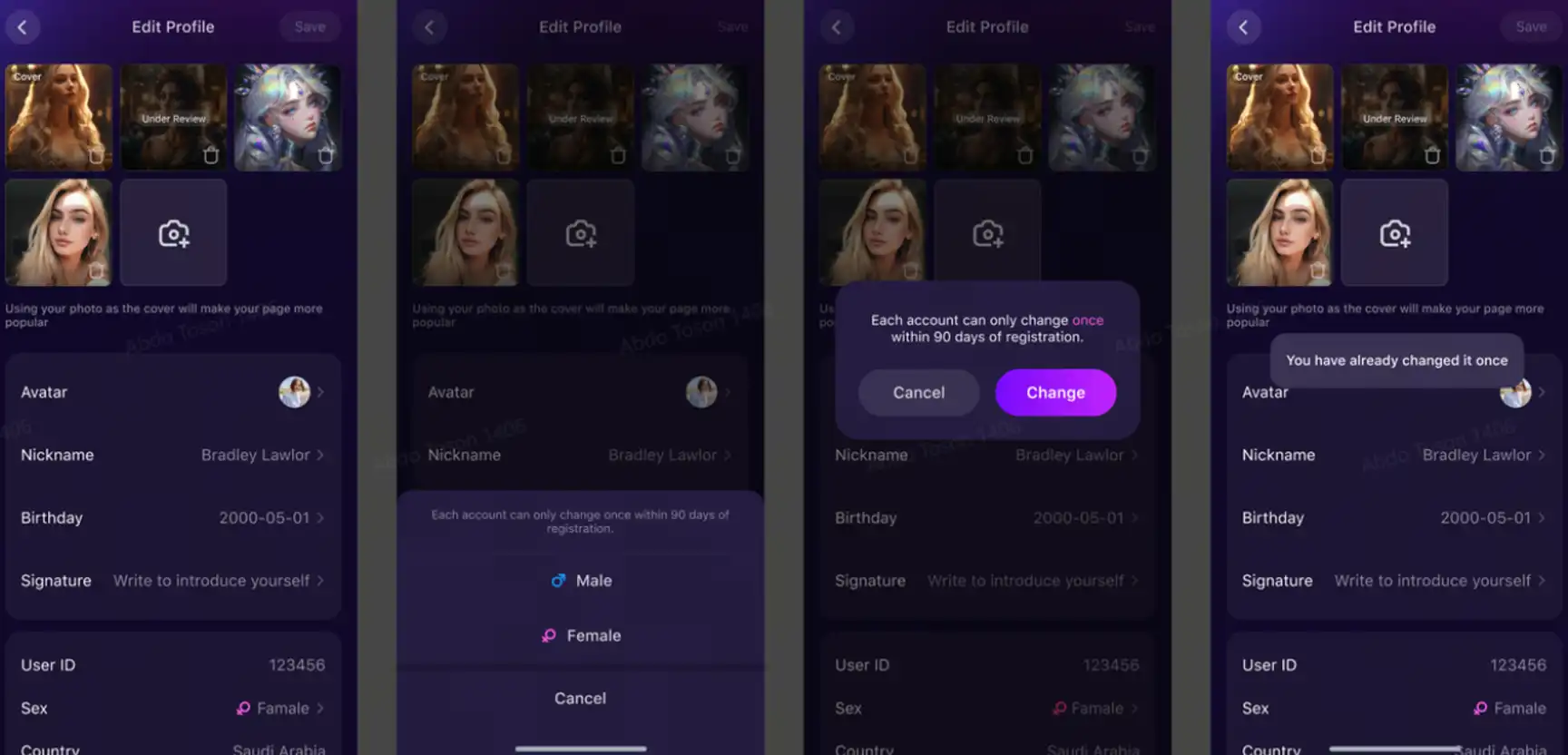
Your visible identity includes more than a display name. A profile picture, bio, country label, activity indicator, or linked social account may provide additional clues.
Reusing the same username and photo across several apps makes those identities easier to connect. If you want some separation, choose a nickname that is not associated with your professional profiles or other public accounts.
What the platform may process
A service may process account details, IP addresses, device information, or session data to operate its features. What it collects and retains depends on its privacy policy.
“No signup” does not automatically mean “no data collection.” Equally, hiding a profile field from other users does not establish that the platform has deleted that information.
For Xena, distinguish between visibility settings inside the app and the platform’s data practices. A control that hides your country or online status answers a visibility question. Data collection, retention, and sharing require a separate look at the privacy policy.
What Can Your Voice and Conversation Reveal?
Voice-only conversation avoids showing your face and surroundings on camera, but it still carries identifying information.
Your voice may be recognizable. Someone who knows you could recognize the way you speak. Research into voice anonymization specifically examines how to reduce the connection between speech and a speaker’s identity. An accent may suggest a broad background, but it does not reliably establish your exact location.
Your background can provide clues. A colleague calling your full name, a workplace announcement, or another conversation nearby may reveal something you did not intend to share. Find a quieter space and mute your microphone when you are not speaking.
Small details can add up. Your job title alone may reveal little. Combined with your employer, neighborhood, and regular working hours, it can narrow the possibilities.
You can still have an engaging conversation without giving precise details. Talk about the music you enjoy, a game you are playing, or a language you are learning. If someone asks where you work, “I work in marketing” may be enough.
What Xena’s Privacy Settings Actually Cover
Xena offers separate controls under Settings → Privacy. Its usage guide lists specific VIP requirements, so availability should be checked against your account and current app version.
For example:
- Hide Last Online — VIP 2: a control for your last-online visibility.
- Hide Country or Region — VIP 8: a control for the country or region displayed to others.
- Anonymous On The Ranking List — VIP 11: an anonymity setting specifically associated with ranking-list visibility.
- Go Invisible When Entering A Room — VIP 14: a setting specifically associated with entering a room.
The important detail is their scope. Anonymous On The Ranking List should not be interpreted as an app-wide anonymous mode. Similarly, Go Invisible When Entering A Room should not be treated as a promise that nobody can recognize you when you speak.
Suppose you do not want other participants to see a country label. If you meet the listed requirement, check Settings → Privacy → Hide Country or Region. That addresses a displayed field; you should still avoid revealing your precise location through conversation.
Xena also documents Message Roaming, which controls chat synchronization across devices signed into your account. When enabled, chats sync across those devices; when disabled, they do not. This is useful when considering which devices can display your conversations, but disabling synchronization is not a statement about server deletion or encryption.

Can an Anonymous Voice Chat Be Recorded or Shared?
Separate two questions: does the platform record audio, and can another participant record what they hear?
A platform’s statement that it does not record calls cannot guarantee that a participant will not use another device to capture audio.
Likewise, encryption protects communication within its stated scope. It does not prevent a listener from repeating what you said or making a separate recording.
Leaving a room stops your participation, but it cannot retrieve information someone has already saved. Avoid sharing anything that would cause serious problems if repeated outside the room, including confidential work details, verification codes, or another person’s private information.
For Xena voice rooms, do not assume that an invisible-entry setting or ranking-list anonymity prevents audio capture. Those features address different parts of visibility.
What to Check Before Joining
Before using an anonymous voice chat service, take a moment to review:
- Your public identity: nickname, photo, bio, and any displayed location.
- Feature requirements: whether the privacy control you want is available to your account.
- Audio handling: what the policy says about recording, transcription, and retention.
- Technical privacy: whether the service explains what connection data it processes.
- Safety options: how to leave and report unwanted behavior.
An unclear policy leaves an unanswered question. Avoid filling that gap with assumptions based on words such as “private” or “anonymous.”
How to Set Boundaries While You Talk
Decide what you are comfortable sharing before the conversation becomes personal. A friendly exchange does not require your phone number, workplace, or social accounts.
Simple responses work well:
“I’d rather keep my location private.”
“I’m happy to chat here, but I don’t share my social accounts.”
“I’d prefer not to discuss where I work.”
Respect the same boundaries when speaking to others. If someone declines a question, move on.
If another participant repeatedly pressures you, end the conversation. Xena’s usage guide includes reporting scenarios for voice rooms, room comments, private chats, and profile content. Use the reporting option relevant to where the behavior occurred.
Frequently Asked Questions
Does no signup mean completely anonymous voice chat?
No. A service can operate without registration while still processing technical or session information. Check its policy rather than relying on the signup experience.
Does a voice changer make me anonymous?
It may alter how you sound, but it does not hide the details you share, your account connections, or data processed by the service.
Is a private voice room the same as an anonymous one?
No. A private room concerns who can join. Anonymity concerns whether your identity can be recognized or connected to other information.
Before joining your next voice room, review your visible profile and available settings. Then share at a level that feels comfortable—even when the conversation feels familiar.