Top up

TL;DR
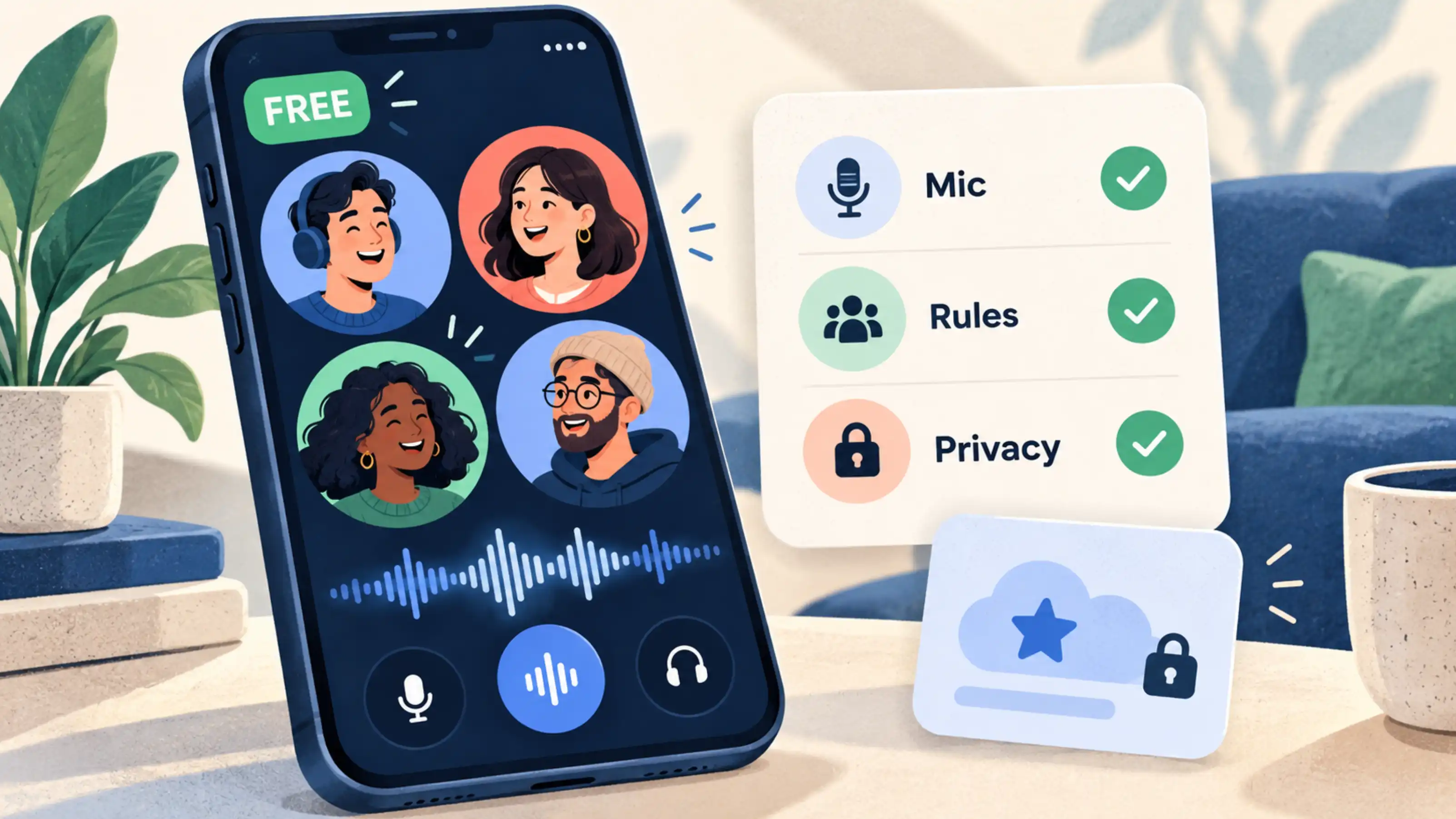
Xena is free to download, and you can join or create voice chat rooms for free. Joining a room and taking a speaker seat are separate actions: speaking depends on available seats and the room’s participation rules. Some additional features, such as expanded speaker layouts, have eligibility requirements. Before using a service advertised as free, check its conversation features, usage limits, optional upgrades, and mobile data costs.
You open a voice chat app, find a room, and notice a VIP badge beside a feature. Does that mean you need to pay to talk?
The badge alone does not answer that question. It may apply to a particular setting or an expanded room layout. To understand what is free, start with the activity you want to do: join a conversation, listen, speak, or host a room.
Here is how to check what is included, using Xena’s voice rooms as an example.
Introduction
You find a voice chat app marked “free,” download it and open a room. Then you notice VIP labels, different speaker layouts or settings that are unavailable on your account. What does “free” actually cover?
The useful question is whether you can do what you came for: listen, take part in a conversation and control your experience without an unexpected purchase.
This guide explains how to assess free voice chat, using specific Xena features to show where basic conversation, room management and optional extras differ.
What Does “Free Voice Chat” Actually Mean?
Free voice chat generally means that a service offers internet-based audio communication without charging for its basic conversation features. However, the word “free” can describe different parts of the experience.
Free to download means there is no charge to install the app. It does not establish which features are available afterward.
Free to join means you can enter eligible conversations without an entry charge. Individual rooms may still have access or participation rules.
Free to talk means basic voice participation does not require a separate conversation payment. You may still need microphone permission, an available speaker position, or approval under the room’s rules.
Check whether the offer is ongoing, a trial, or a limited allowance. Also separate the platform’s charges from your internet costs: a free audio conversation can still use paid mobile data.
If you are unfamiliar with room-based audio, this guide explains what voice chat is and how voice chat rooms work.
What Can You Do for Free on Xena?
Xena’s official features page confirms that the app is free to download and that users can join or create voice chat rooms for free.
Join a Room and Listen
You can explore a room before deciding how actively you want to participate. Read its title and description, then listen to understand the topic, language, and pace.
For example, a music room may suit someone who wants to listen casually. A discussion room with speakers taking turns may be more suitable if you want to contribute to a conversation.
Listening also helps you identify the host and understand how speaker seats are managed.
Take Part in the Conversation
Xena uses speaker seats for voice participation. Entering a room does not necessarily mean you are immediately speaking.
Check for an available seat and follow the room’s arrangements. If all seats are occupied, you may need to wait or choose another room. A full speaker layout does not, by itself, mean that you must pay to speak.
Before talking, check your microphone status and make sure your device has granted the necessary permission.
Create a Voice Chat Room
You can also create a free room around a topic or activity. Choose a clear name and description so participants know what to expect.
For a first session, keep the format simple: a discussion about a game, a music conversation, or a short language-practice session. Decide how people will take turns before inviting a larger group.
Basic room creation and access to every possible room configuration are separate questions. Check the requirements for the specific layout or additional feature you want to use.

Which Features May Have Extra Requirements?
A free voice chat app can include additional features with account-level or other eligibility requirements. Evaluate those features individually.
One relevant Xena example is the number of speaker positions in a personal room. Its product guide lists expanded layouts of 20 microphone positions from VIP 7 and 30 from VIP 10. Confirm the current requirements in the app before planning around either layout.
These figures describe expanded speaker configurations. They should not be interpreted as the total number of people who can listen, or as evidence that ordinary voice participation requires VIP.
Suppose you want to host a small conversation. First check whether the available layout supports your session. You only need to investigate an expanded layout if your planned number of simultaneous speakers makes it relevant.
For other optional features, read the label and any confirmation screen. Check what the requirement unlocks, whether it involves a purchase, and whether any stated payment renews. A requirement attached to one feature does not explain the cost of every other feature in the app.
What Should You Check Before Using Free Voice Chat?
1. Whether Your Intended Activity Is Included
Start with a specific question: “Can I join, listen, and participate in the kind of conversation I want?”
A feature you do not plan to use should not determine your assessment of the basic service. Likewise, a free download alone is not enough information if your intended activity requires an additional upgrade.
2. Any Stated Usage Limits
Look for clear information about session duration, daily allowances, or trial periods. “Free” describes cost; “unlimited” describes usage.
If a service does not publish a limit, avoid treating that absence as a guarantee of unlimited use. Check the current in-app information or ask support when a limit would affect your plans.
3. Speaker Availability and Room Rules
Distinguish a payment requirement from a participation condition.
A host-managed discussion may organize who speaks next. A room with occupied seats may have no immediate space for another speaker. Neither situation automatically indicates a charge.
Read the room description and observe how participants join the conversation before assuming why a seat is unavailable.
4. Device Compatibility and Connection Costs
Check that your phone supports the app and has a stable connection. Microphone permission is necessary for voice input, while other permissions should be considered separately.
On mobile data, audio uses your allowance even when the app does not charge for the conversation. Actual consumption varies with the service, session length, and features in use. Use Wi-Fi if you want to avoid using your cellular allowance.
5. Basic Safety Controls
Before sharing personal details, locate the microphone, exit, reporting, and blocking controls. Keep your home address, verification codes, and confidential information out of room conversations.
For a fuller explanation of these controls, read the voice chat safety guide.
How to Try a Free Voice Room on XenaUse your first session to check the experience you actually want.
- Download through an official source. Visit the Xena website for its download options.
- Review your profile and permissions. Check what your profile displays and allow microphone access when you intend to speak.
- Choose a suitable room. Look for a topic and language you can comfortably follow.
- Listen before taking a seat. Identify the host, notice the speaking order, and check available speaker positions.
- Join the conversation when appropriate. Follow the room’s arrangements and confirm your microphone state.
- Check extra features separately. If a feature shows an eligibility requirement, read what it applies to before deciding whether you need it.
You can find more guidance in how to join a voice chat room on mobile.
Frequently Asked Questions
Do I Need VIP to Start Using Xena Voice Rooms?
Xena offers free voice-room access and room creation. VIP requirements apply to certain additional features, including the expanded personal-room speaker layouts described above. Check the requirement attached to the feature you want to use.
Does a Full Speaker Layout Mean I Have to Pay?
No. Occupied seats indicate that those speaker positions are in use. Check the room’s speaking arrangements, wait for a position, or explore another room. Seat availability alone does not establish a payment requirement.
Can I Create a Voice Chat Room for Free?
Yes. Xena’s official features page confirms free voice-room creation. Particular expanded layouts or additional features may have separate requirements.
Is Free Voice Chat the Same as Unlimited Voice Chat?
No. Check cost and usage limits separately. A free service may have conditions, and a free download does not guarantee unrestricted access to every feature.
Can I Listen Without Speaking?
Xena supports listening in voice rooms. Check your microphone and speaker status when entering, and take a seat when you are ready and the room’s arrangements allow it.
Does Free Voice Chat Use Mobile Data?
Yes, if you connect through your cellular network. Your mobile provider’s data charges are separate from the app’s conversation features.